Overview
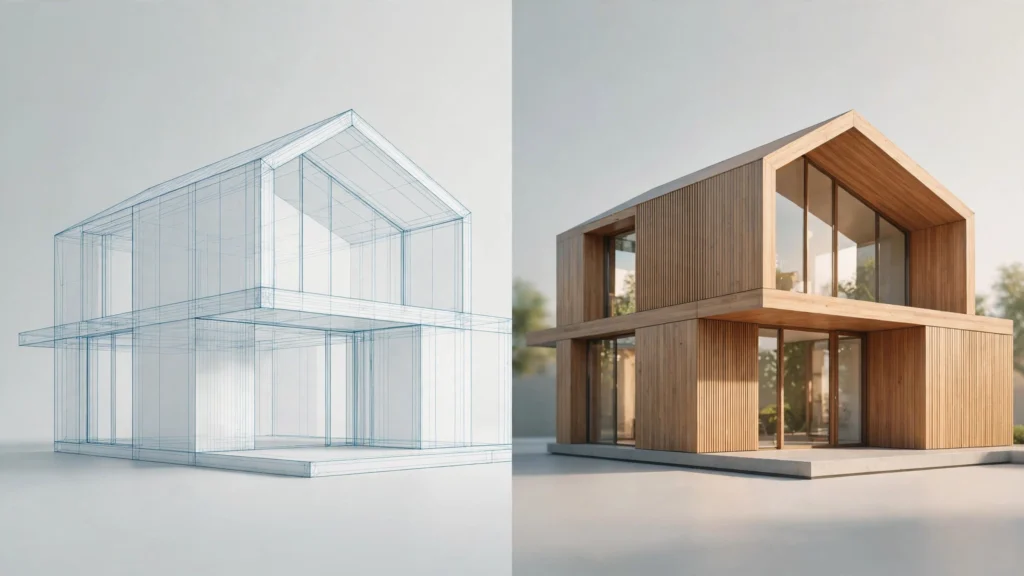
Vibe3D turns 3D models and draft renders into photorealistic renders and cinematic walkthrough videos in the browser, preserving the original scene's geometry, materials, and camera angles. It accepts models from SketchUp, Revit, Rhino, 3ds Max, Archicad, Vectorworks, Chief Architect, and Blender, and supports natural-language edits, one-click AI render enhancement (HyperReal: AI upscaling, denoising, HDR output), and real-time relighting. The whole workflow is cloud-based with no GPU or installation required.
On pricing (verified 2026-10-15 on the official pricing page, all USD): Free — 3 renders on signup, no credit card required; Starter $19/mo (75 credits/month); Pro $39/mo (limited-time discount from $59; 300 credits/month, adds HyperReal enhancing, cinematic flythrough videos, instant relighting); Studio $79/mo (limited-time discount from $129; unlimited usage, priority support); Student $9 one-time (50 credits, requires valid .edu/.ac email). One-time credit packs also exist (pack prices not published on the official page). Credit costs: 1 credit per high-fidelity render or edit; 4 credits per HyperReal render; flythrough video = 1 credit per second of video. A commercial license is included on all plans.
Built for architects and interior designers; an education discount is available via a valid .edu/.ac email. No company or legal entity is disclosed on the official pages.
Key Features
- Photorealistic AI rendering from 3D models
- Cinematic walkthrough videos
- HyperReal AI upscaling, denoising, and HDR output
- Real-time relighting
- Natural-language editing
- Supports SketchUp, Revit, Rhino, 3ds Max, Archicad, Vectorworks, Chief Architect, Blender