Skip to content
Submit Tool

AutoDraw AI

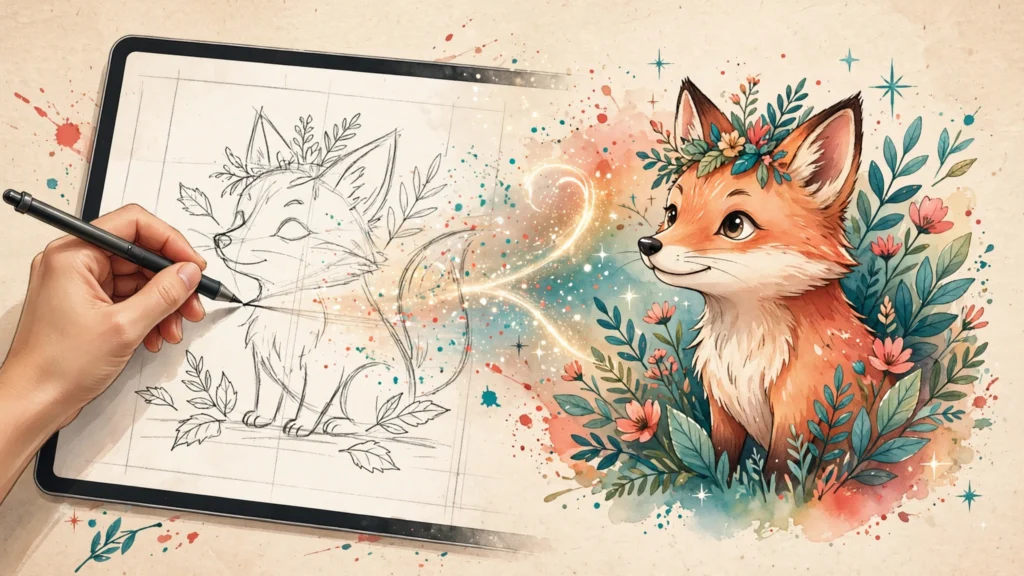
Free web-based AI drawing tool: sketch a rough doodle and AutoDraw's machine learning suggests professional artist-drawn artwork to complete or replace your sketch. No account needed.

From $0

Platforms
Web app (browser · no install)
Visit Website (opens in a new tab)

Overview

AutoDraw is a free web-based AI drawing tool from Google Creative Lab / Google AI Experiments, at autodraw.com. The idea: draw a rough doodle on the canvas, and the tool's machine learning suggests professional artist-drawn artwork via a "Do you mean?" suggestion bar to replace or complete your sketch.

The canvas offers simple drawing tools — the AutoDraw pen, pencil, type/text, bucket fill, shape tool, zoom and undo — plus color tools and sharing options (share links for social platforms visible on the official page). Everything runs in the browser; you start drawing immediately with no account and no install.

It is fully free: the official page shows no pricing, plans, accounts or paywalls. It is a Google AI Experiments project (linked from aiexperiments.withgoogle.com). Commercial-use licensing of the generated artwork was not verifiable on official pages — treat as unverifiable rather than citing third-party license claims.

Key Features

  • AI doodle recognition with artist-artwork suggestions ("Do you mean?" bar)
  • Canvas drawing tools: AutoDraw pen, pencil, type/text, bucket fill, shape tool, zoom, undo/delete
  • Color tools
  • share/export options

Use Cases

Pricing

Plan features, usage limits and billing options may change. Check the provider for current details.

Check current plans on the official website

Platforms / Availability

  • Web app (browser
  • no install)