Overview
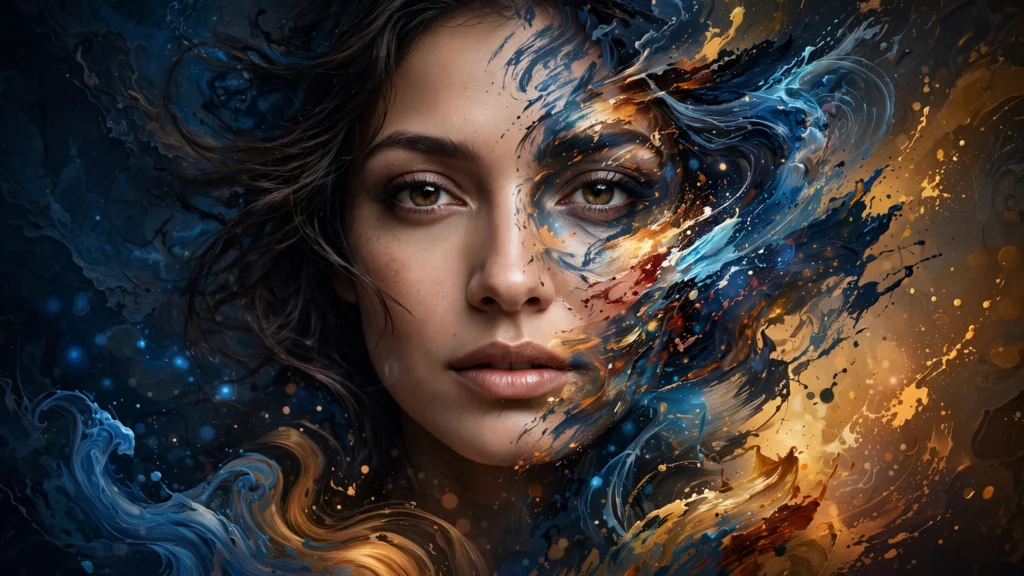
FaceWow's headline feature is its AI portrait creator and headshot generator: upload a selfie and get polished, confident portraits aimed at LinkedIn profiles and personal websites. A text-to-image generator goes the other direction, turning written prompts (the site shows examples like an astronaut or a jellyfish) into images from scratch.
The toolkit rounds out with stylistic filters and generators: a photo-to-pop-art converter, a photo-to-painting tool (oil painting, watercolor, cartoon styles), a manga-style filter, an AI tattoo generator that designs tattoos from text or photos with HD PNG/JPG downloads, and an AI attractiveness test that analyzes uploaded photos for face shape, symmetry, and other features. The official pages state the tools are 100% free with no sign-up, and downloads carry no watermark.
FaceWow also lists photo enhancement and restoration among its tools, and works on all devices with nothing to install. The site's privacy note for the attractiveness test states uploaded photos are automatically deleted when the page is refreshed or left. The toolkit also includes a face-swap feature, listed among its tools.
Pricing (official): Free to use — the official pages describe the service as completely free with no sign-up. No paid plans are shown on the official site.
Free plan: Full service free, no account required (per official site).
Key Features
- AI headshot generator (professional portraits for LinkedIn/personal websites)
- Text-to-image generation from written prompts
- Photo-to-art filters: pop art, painting (oil, watercolor, cartoon), manga styles
- AI tattoo generator: text/image-to-tattoo, HD PNG/JPG downloads, no watermark
- AI attractiveness test: face analysis (shape, symmetry, beauty) with personalized improvement suggestions, uploads auto-deleted on refresh/leave
- Photo enhancement and restoration
- High-resolution, watermark-free downloads; works on all devices, no install