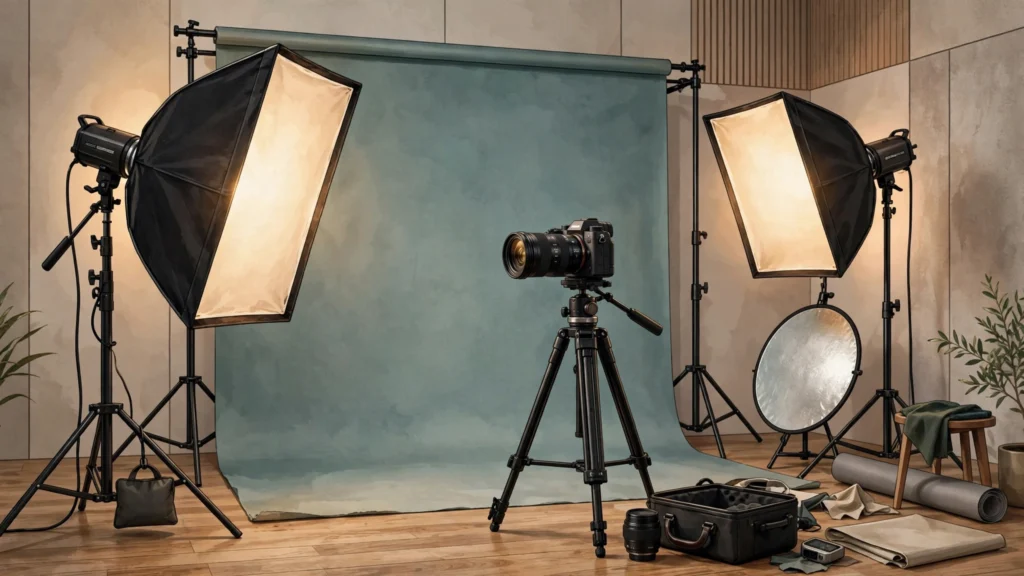
Professional headshots used to mean booking a photographer, finding a studio, and paying per shot. AI photoshoot platforms changed that: you upload a set of reference photos, train a personal model, and generate studio-quality headshots in different outfits and settings from your desk.
Step 1 — Pick a tool that trains on your photos.
The key distinction is between general image generators and photoshoot platforms that fine-tune on your own face. Astria AI is a purpose-built example: it trains a custom model from your reference photos and offers ready-made headshot photoshoot packs. Tools that do not train on your photos can make nice portraits, but they will not look like you.
Step 2 — Gather good reference photos.
Use 10–20 clear photos with different expressions, angles and lighting. Avoid heavy filters, sunglasses and other people in the frame. The better the inputs, the more consistent the headshots. Platforms like Astria retain trained models for a limited time (Astria’s terms note models may be deleted after 30 days unless extended), so generate the packs you need promptly.
Step 3 — Prompt for the setting you want.
Describe the shot like a photographer would: ‘professional corporate headshot, business attire, soft studio lighting, neutral grey background, confident expression.’ Generate several variations, then pick the ones where the face is most consistent. The Astria AI Prompts collection has ready-made templates for LinkedIn headshots, team photos and real-estate portraits.
Step 4 — Review before you publish.
Zoom in on hands, ears and backgrounds — AI generation still makes mistakes. Check the platform’s content rules too: Astria’s official terms prohibit generating images of people without their consent. And remember that a directory listing never substitutes for the tool’s own terms and pricing — Astria is usage-based (from 0.8¢/image), so check the current pricing page before buying credits.
if you only need a quick illustration rather than a photorealistic headshot, the approach is entirely different — see Astria AI vs AutoDraw AI for how a doodle-to-art tool compares. Browse more tools in the AI Image Generators category.